
Features
7v7 and 3v3
Real ultimate: stacks, cuts, marks, the force and person-to-person defense. Start with 3 a side on a small field; the full 7v7 field opens as you go.
Campaign
Beat team after team up to the superstars, each with its own style, home field and karate-belt headband to win. New opponents after every match.
Online with friends
Make a party, share the code: 2 to 8 players, against each other or together against the computer. Add friends and scrimmage their teams.
Highlights
Your best plays are saved by themselves. Star the ones to keep, make a reel, or DOWNLOAD ALL as one video to share.
Plus: player moves and ratings, free agents, the LOCKER for looks and kits, coaching, a tutorial and throwing practice.
Screenshots
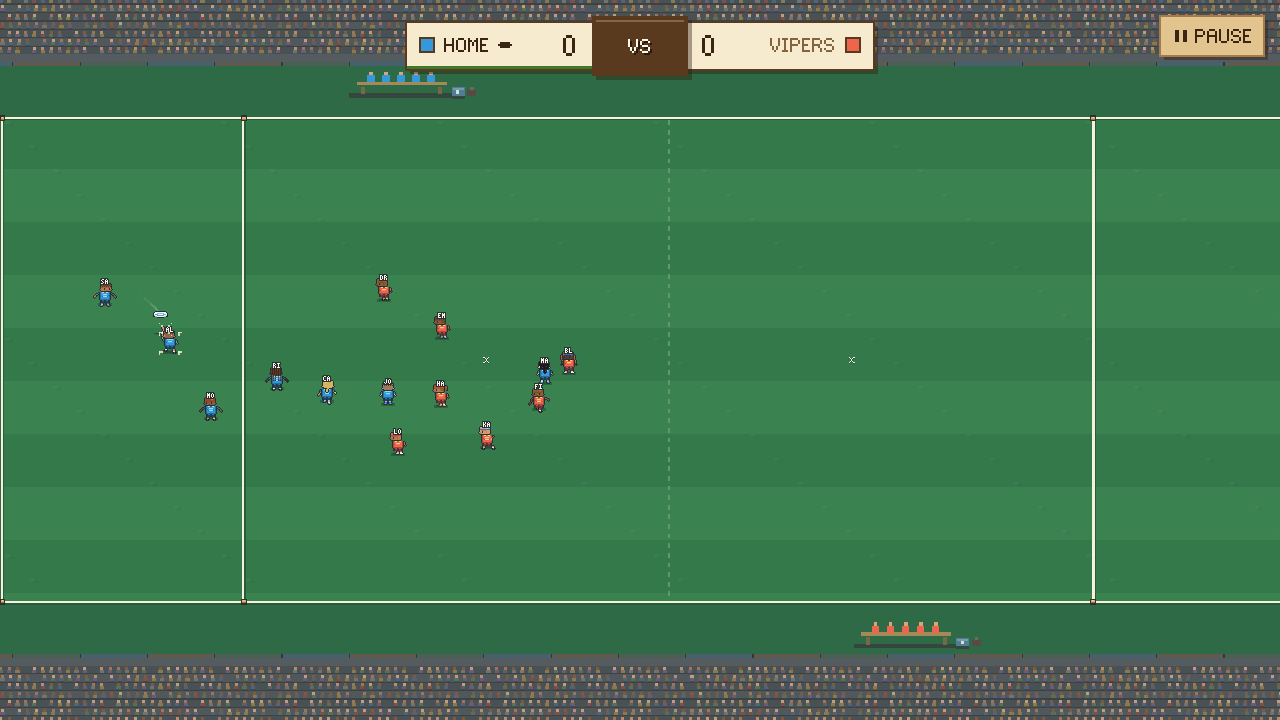
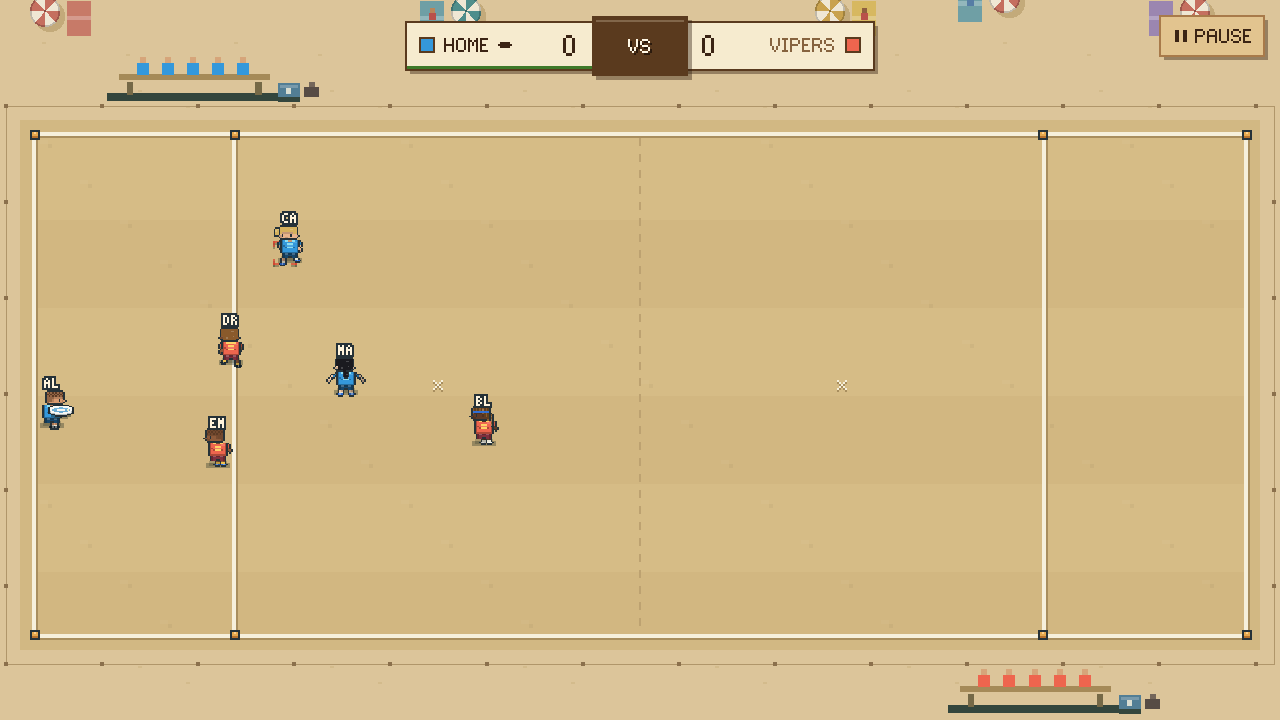
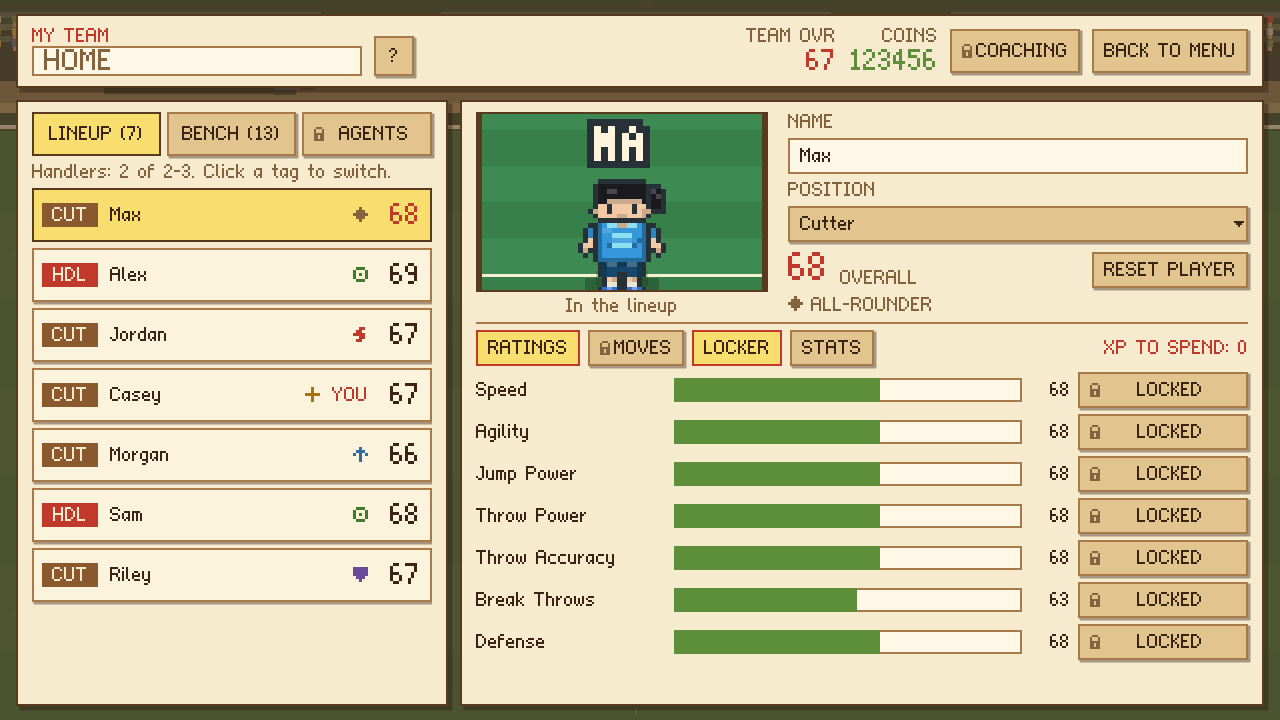
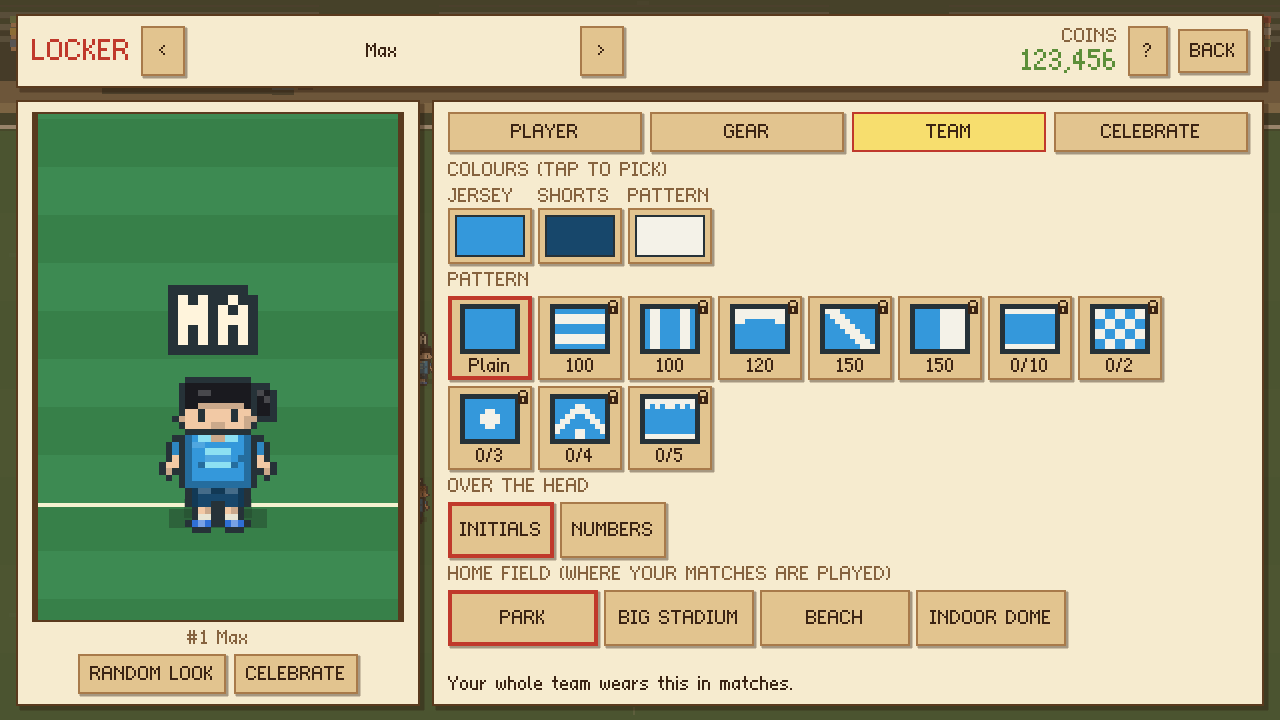
Controls
Prefer something else? SETTINGS → CONTROLS has presets (Default, WASD to move, Trackpad: one button throws and the throw is picked for you) and lets you set every key and button yourself.
Want more control? SETTINGS has MANUAL THROWS (BH / FH / OVER THE TOP and FAKE buttons), MANUAL LAYOUTS (a DIVE button) and a JOYSTICK. Tap Fullscreen and turn your phone sideways to play; on iPhone, Share → Add to Home Screen gets rid of Safari's bars.
Credits & licenses
UltiMax is designed and made by Max Coe. All of its art, sound effects and pixel fonts are made for the game.
Made with the Godot Engine, used under the MIT license. This website uses the Inter and Pixelify Sans fonts (SIL Open Font License) from Google Fonts. Accounts and cloud saves run on Supabase; the site is hosted by Vercel.
Godot Engine license
Copyright (c) 2014-present Godot Engine contributors (see AUTHORS.md).
Copyright (c) 2007-2014 Juan Linietsky, Ariel Manzur.

Permission is hereby granted, free of charge, to any person obtaining a copy
of this software and associated documentation files (the "Software"), to deal
in the Software without restriction, including without limitation the rights
to use, copy, modify, merge, publish, distribute, sublicense, and/or sell
copies of the Software, and to permit persons to whom the Software is
furnished to do so, subject to the following conditions:

The above copyright notice and this permission notice shall be included in all
copies or substantial portions of the Software.

THE SOFTWARE IS PROVIDED "AS IS", WITHOUT WARRANTY OF ANY KIND, EXPRESS OR
IMPLIED, INCLUDING BUT NOT LIMITED TO THE WARRANTIES OF MERCHANTABILITY,
FITNESS FOR A PARTICULAR PURPOSE AND NONINFRINGEMENT. IN NO EVENT SHALL THE
AUTHORS OR COPYRIGHT HOLDERS BE LIABLE FOR ANY CLAIM, DAMAGES OR OTHER
LIABILITY, WHETHER IN AN ACTION OF CONTRACT, TORT OR OTHERWISE, ARISING FROM,
OUT OF OR IN CONNECTION WITH THE SOFTWARE OR THE USE OR OTHER DEALINGS IN THE
SOFTWARE.

The Godot Engine also includes third-party components under their own
licenses (among them FreeType: portions of this software are copyright
(c) The FreeType Project, www.freetype.org, all rights reserved). The full
list is at https://godotengine.org/license.